 E-Ink Clock
Connected e-paper alarm clock
The time, and your day.
Nothing more.
A screen like paper, with no glare at night. Today's appointments appear next to the time on their own, from Google Calendar, Microsoft 365 or any calendar shared by link.
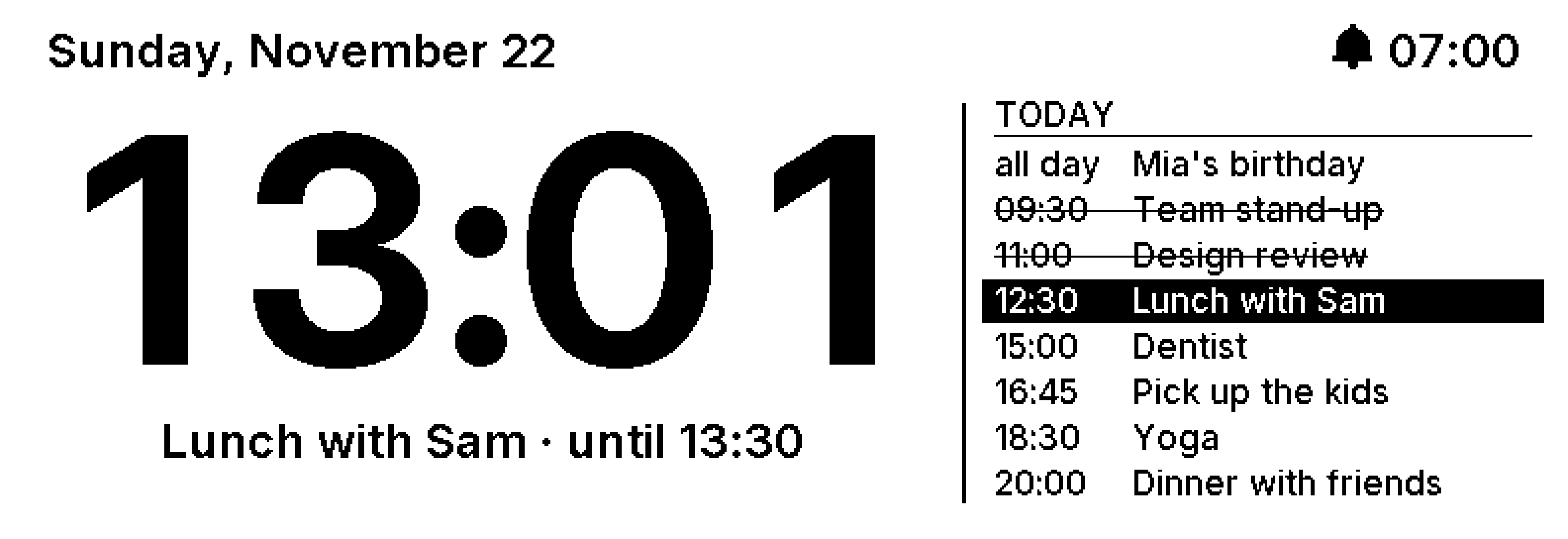
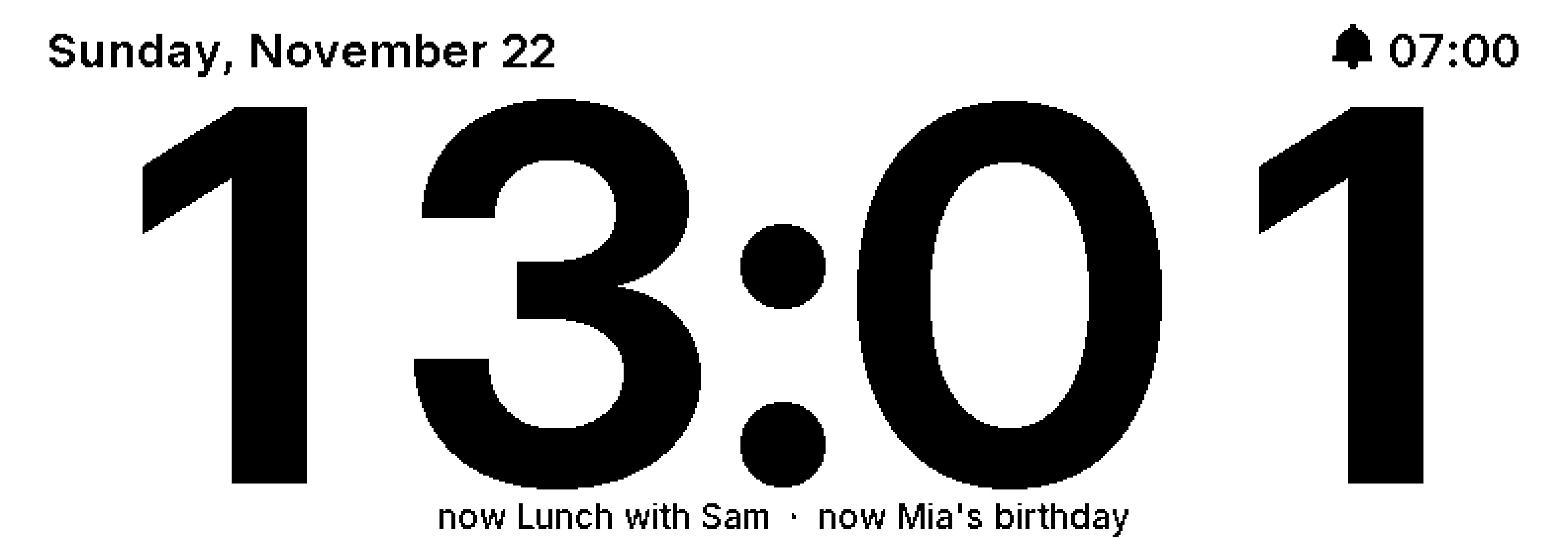
Three faces
A 792 × 272 black-and-white screen. Pick the face in the console; the clock switches within seconds.
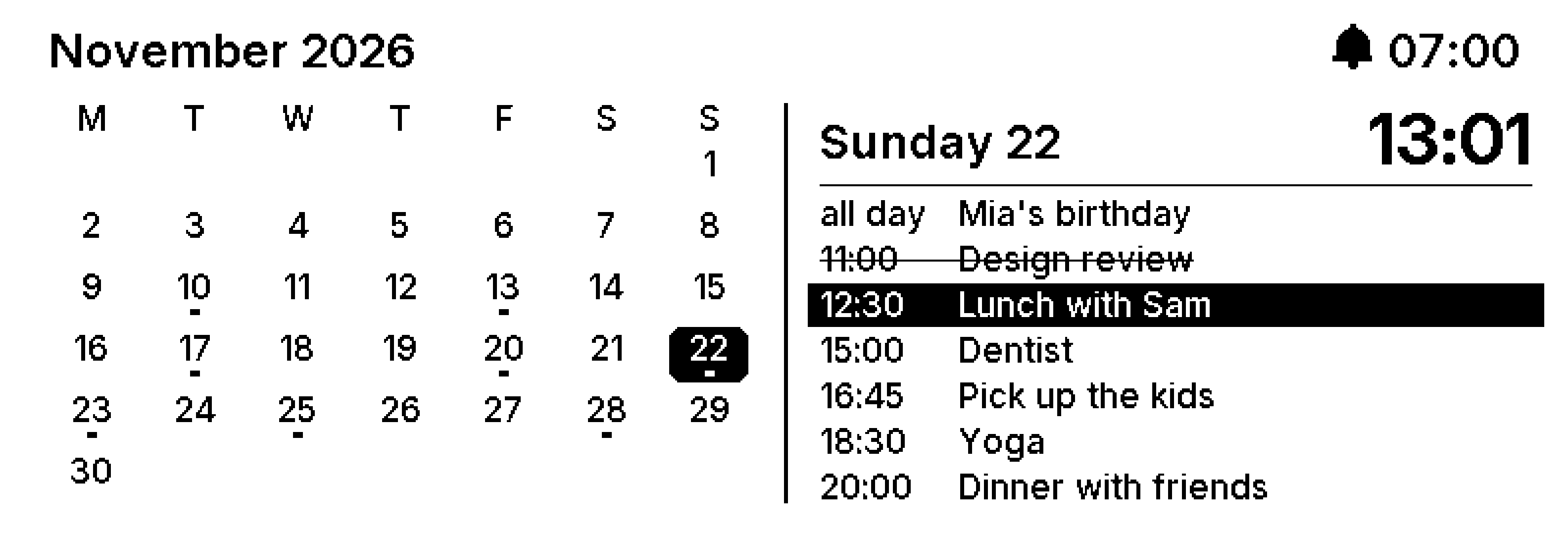
Your calendars, read-only
Google Calendar, Microsoft 365, or an ICS link (published Outlook calendar, iCloud, Proton…). Several accounts can feed the same clock, and each clock picks its calendars.
Up to date without thinking
An appointment added or moved reaches the clock within seconds for Google and Microsoft, within a quarter of an hour for an ICS link.
Alarms and settings from anywhere
Alarms, time zone and face are set in the web console; the clock receives them as soon as it is online.
Signed updates
The clock's software updates over Wi-Fi. Every version is signed, and the clock refuses any file whose signature does not match.
Your data stays yours
Read-only access, encrypted tokens, data hosted in Europe (Paris). Nothing is sold, shared, or used for advertising or to train AI.
Calm by design
E-paper keeps its image without power and does not light up: no blue glow in the bedroom, a display as readable as a printed page.
How it works
- Connect your calendars in the console: Google, Microsoft 365, or paste an ICS link.
- Choose which calendars show on which clock.
- That's it. Changes reach the screen on their own, day and night.